

mosu ruleset has been disabled/blocked in the latest tachyon/lazer release.
string[] array = new string[7] { "plugin", "loader", "hikariii", "ocrs", "trainer", "inject", "mosu" };
so 2026.927.0 (but just to be safe you probably shouldn't be using it either) will be the last working release and i will not be releasing updates moving forward.
https://github.com/jonathant09/osu-local-profiles Check this project out for local pp separate from the client and it works on stable too.
osu! practice ruleset with unique mods and local PP tracking.
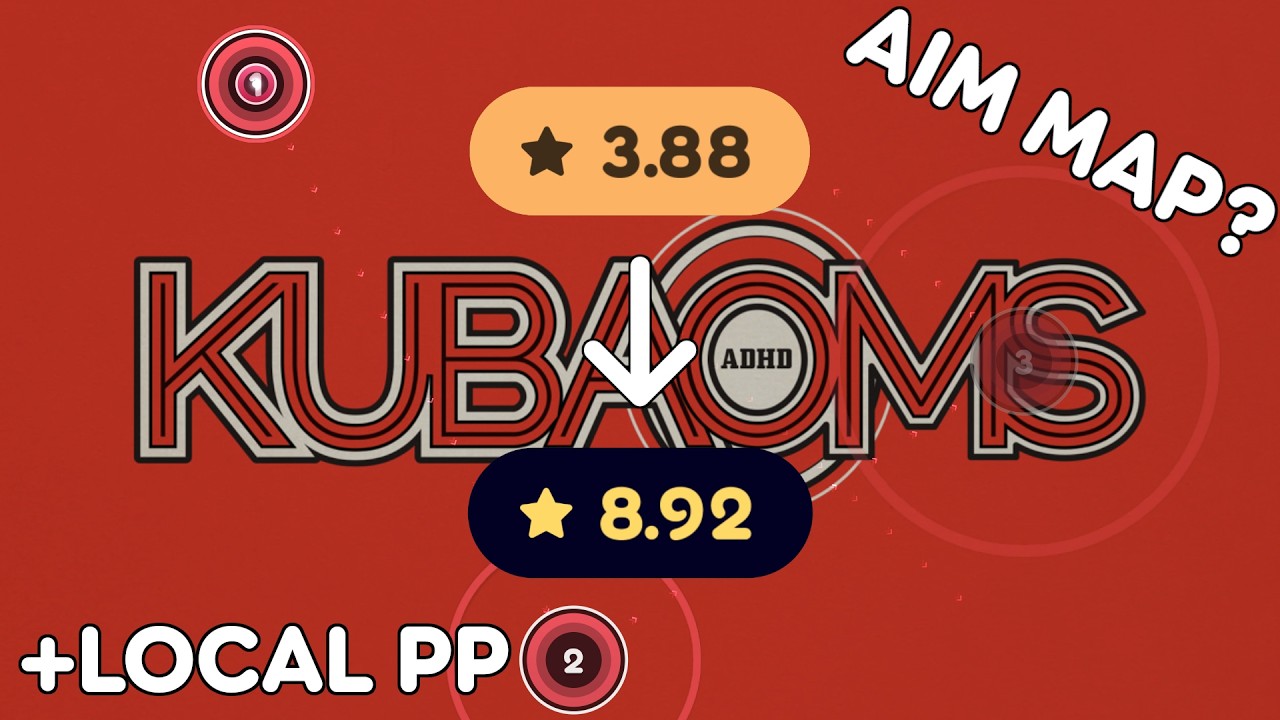
- Local PP — (with local profiles)

- Skip breaks — button to skip break sections

- ModRandomV2 — like random but you can increase the distances between objects, separate for aim and stream (configured by divisor)
- Make any map an aim practice map
- Make any map a stream practice map

- ModCircleGen — generate a long stream practice map from any map (or you can do 32x 16x triples etc...)

- Miss Challenge — fail if your miss count exceeds a configurable limit (1–100). Option to auto-set from your best local score for the beatmap, matching by active mods (DT rate, AR/CS).

- Merged mods — includes NoSliding and SpacingAdjust


-
Fun Spacing — like SpacingAdjust, but the spacing multiplier changes over the course of the map. Set a starting spacing (default 1.00x) and an ending spacing (default 2.00x), and it linearly interpolates between the two from the first to the last object — e.g. a map that starts with normal spacing and finishes with much wider jumps.
-
Metronome — plays a metronome tick on every beat (higher-pitched accent on the downbeat, counting in from one measure before the first object).
-
Live star rating — HUD element showing cumulative star rating as you play, updating in real-time (like pp counter)

- Mod preset import/export — share presets via JSON files
- Collection import/export — back up and share beatmap collections

- Chat mod sharing — right-click a chat line to send current mods, right-click a message to apply them, or type /md or /mods to send and click the link to apply.

- Suggested songs at the expanded score view.


- Navigate to osu!lazer's data directory: Settings → General → Open osu! folder
- Copy
osu.Game.Rulesets.MOsu.dllinto therulesetsfolder - Restart osu!lazer
Get the latest .dll from the Releases page.
dotnet build osu.Game.Rulesets.MOsu/osu.Game.Rulesets.MOsu.csproj -c ReleaseRequires .NET 8.0 SDK.